

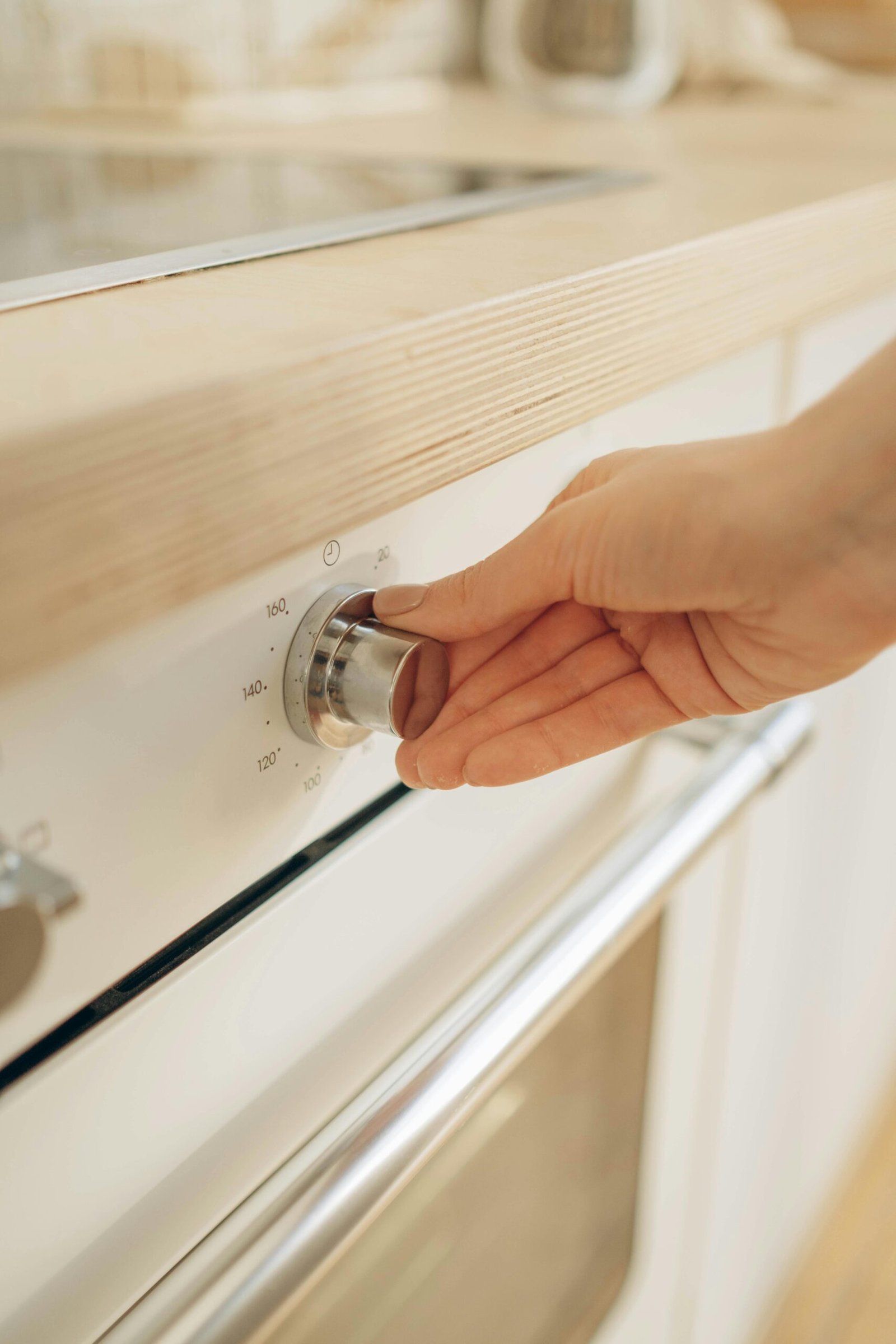
Want to know the most efficient air conditioner setting for maximum comfort and savings?
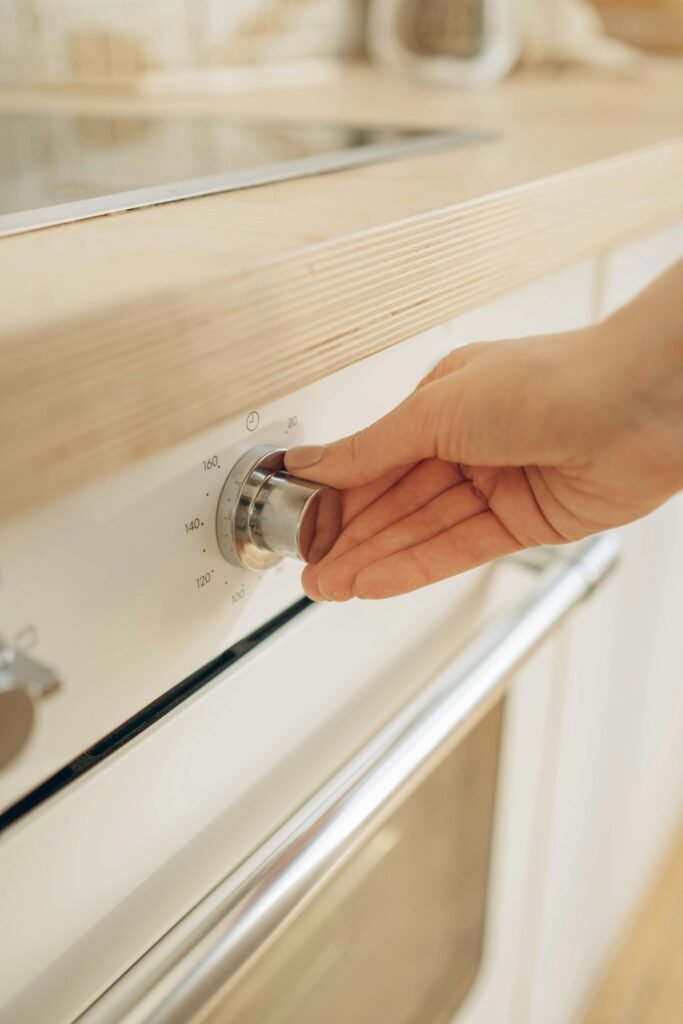
Most Efficient Air Conditioner Setting for Maximum Comfort and Savings
You can get both comfort and significant savings by choosing the right air conditioner setting and pairing it with smart habits and basic maintenance. This article lays out practical recommendations, the reasoning behind them, and realistic examples so you can take action immediately.
Why the right AC setting matters
Choosing the right setting affects your comfort, monthly bills, and the lifespan of your equipment. Small adjustments in thermostat settings can change energy use noticeably while still keeping your living space pleasant.
The wrong setting can lead to short cycling, higher humidity, and extra wear on your AC. You’ll want to balance temperature, humidity control, and runtime so the system operates efficiently without compromising comfort.
Comfort vs savings trade-off
Comfort typically comes from a lower indoor temperature and stable humidity; savings come from a higher setpoint and reduced run time. You’ll need to decide what degree of comfort is essential and what savings you want to prioritize.
A realistic compromise is to pick a temperature that keeps you comfortable when you’re home and raise it when you’re away. That way you get both reasonable comfort and meaningful energy savings.
Health and indoor air quality
The AC’s job is more than cooling; it also helps control humidity and filter indoor air. Proper settings can reduce mold and allergens by keeping relative humidity in a healthy range.
If humidity remains high, you’ll feel uncomfortable even at lower temperatures. Sometimes slightly higher temperatures with better dehumidification feel better and cost less.
Equipment longevity
Running your AC in a consistent, moderate range reduces stress on components. Frequent large swings or extreme setpoints can shorten the system’s useful life.
You want to avoid very low setpoints that make the compressor run longer than necessary or cause rapid cycling. Proper setpoints, combined with regular maintenance, help your unit last longer.
Recommended temperature settings
Picking the right numbers is the fastest way to save energy. The most efficient air conditioner setting for most people often sits higher than what you might instinctively choose.
Below are practical setpoints you can adopt immediately. Each recommendation assumes typical home insulation and average humidity.
Summer daytime: ideal temp
For daytime comfort when you’re home, 78°F (26°C) is widely recommended as an energy-efficient target. This level balances comfort and cost for most people in warm climates.
If 78°F feels too warm, you can use fans to create a cooler breeze while maintaining a higher thermostat setting, which preserves energy savings.
Nighttime and sleeping: cooler but efficient
At night, many people prefer cooler air for sleep. Set the thermostat to 72–74°F (22–23°C) for sleeping comfort. If you want to save more, you can keep it slightly higher and use breathable bedding or a fan.
Programmable thermostats or smart schedules can drop the temp for sleeping hours and raise it again after you wake, capturing savings without sacrificing rest.
When you’re away: raise the setpoint
When the house is empty, raise the thermostat by 7–10°F (4–6°C) above your daytime setting. This is one of the simplest ways to lower cooling costs without reducing comfort while you’re home.
A programmable thermostat or “away” schedule makes this automatic. If you won’t be home all day, using a vacation or away mode can multiply savings.
Humidity considerations
AC systems remove moisture as they cool. For comfort and health, aim for indoor relative humidity (RH) between 40–60%. High humidity makes rooms feel warmer and can force the AC to run longer.
If your home is humid even with a reasonable setpoint, consider a dehumidifier or a system with better moisture removal. Lowering humidity can allow you to set a slightly higher temperature while still feeling comfortable.
Temperature guidance table
| Situation | Recommended Temperature (°F) | Why it helps |
|---|---|---|
| Daytime at home | 78°F | Best balance of comfort and efficiency for many homes |
| Night / sleeping | 72–74°F | Comfortable for sleeping; use fans to reduce thermostat load |
| Away from home | +7–10°F above your home setting | Cuts energy use significantly while you’re gone |
| Humid climates | Aim for lower RH (40–50%) and 76–78°F | Keeps comfort without overcooling; consider dehumidification |
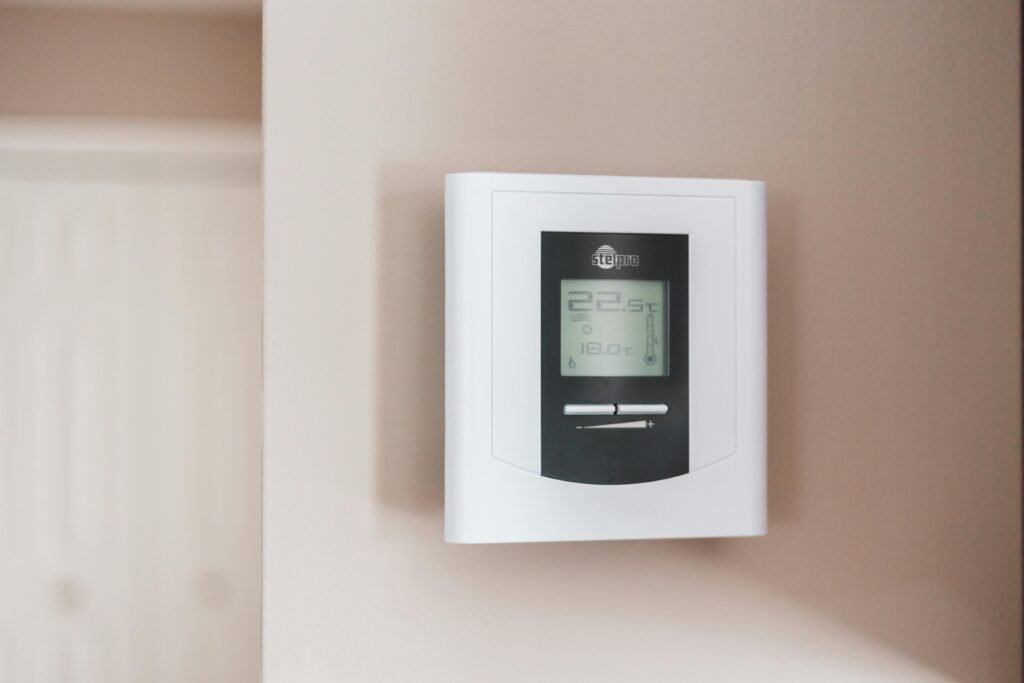
Thermostat types and how they affect efficiency
Your thermostat type plays a big role in making the most efficient air conditioner setting practical. Choosing and configuring the right thermostat reduces wasted energy and improves comfort.
Even simple thermostats can save energy if you program them correctly. Smart thermostats add optimization and flexibility that often produce additional savings.
Manual thermostats
Manual thermostats require you to change settings by hand. They’re inexpensive but rely on you remembering to raise the setpoint when you leave or go to bed.
If you’re disciplined about manual adjustments, you can still achieve good savings. If not, consider upgrading to a programmable or smart model.
Programmable thermostats
Programmable thermostats let you set different temperatures for different times of day and days of the week. This automation makes it easy to raise the setpoint when you’re away and lower it before you return.
Make sure you actually program them for your schedule. Many people buy programmable thermostats and leave them at a fixed temperature, losing potential savings.
Smart thermostats
Smart thermostats learn from your behavior, can be controlled remotely, and often optimize runtime based on weather forecasts. They can deliver the best balance between comfort and savings with minimal effort.
If you want hands-off efficiency, a smart thermostat is often worth the investment, especially if you combine it with remote access and geofencing.
Thermostat comparison table
| Thermostat Type | Pros | Cons |
|---|---|---|
| Manual | Low cost, simple | No automation; relies on you |
| Programmable | Scheduled savings, predictable | Needs initial programming |
| Smart | Auto-optimization, remote control | Higher upfront cost, requires internet for full features |
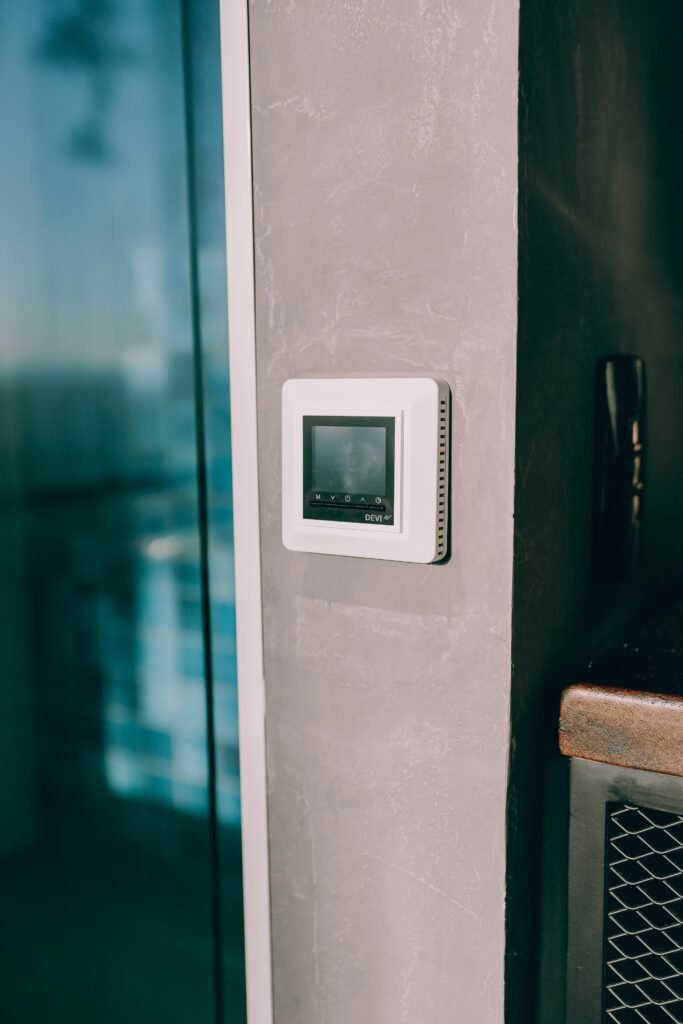
Fan settings and how to use them
Fan behavior affects both comfort and efficiency. You’ll decide between letting the fan run continuously or use the “auto” setting with each cooling cycle.
Fan control rarely changes energy use dramatically compared with compressor runtime, but proper use improves airflow and comfort.
Auto vs On
Set the fan to “Auto” so it only runs when the compressor is active. This keeps the system from circulating air continuously, which can increase electricity use if the fan motor is always running.
Setting the fan to “On” can be useful for improved air circulation and filtration, but it consumes more energy and can distribute heat when the compressor is off.
Fan-only mode
Fan-only mode circulates air without cooling. Use it to move air during milder weather if you don’t need cooling; that uses far less energy than the compressor.
In hot and humid conditions, fan-only may circulate warm, moist air and make you feel less comfortable. Use this mode strategically.
Variable-speed fans and ECM blowers
Variable-speed fans and electronically commutated motors (ECM) run more efficiently and provide better humidity control and quieter operation. They maintain steady airflow and can reduce overall energy use.
If your system has these features, you’ll notice more even temperatures, especially in larger homes or systems with zoning.
AC modes and maintenance
Understanding AC modes and performing routine maintenance will keep your system running efficiently. A neglected unit consumes more energy and provides less comfort.
Simple tasks like filter replacement and coil cleaning are inexpensive but have a large impact on efficiency and indoor air quality.
Cooling modes (cool, dry)
Use the “Cool” mode for standard temperature control. For muggy weather, “Dry” mode runs the compressor intermittently to focus on dehumidification rather than full cooling.
Dry mode can be effective in high-humidity scenarios, but it’s not a substitute for a properly sized system or dedicated dehumidification.
Regular maintenance tasks
Replace or clean filters every 1–3 months depending on use and air quality. Clean evaporator and condenser coils annually. Keep the outdoor unit clear of debris and vegetation.
Poor maintenance leads to reduced airflow, loss of capacity, and higher energy consumption. Regular checks prevent bigger repairs later.
Seasonal tune-ups
Schedule a professional tune-up at least once a year before peak cooling season. Technicians will check refrigerant levels, electrical connections, and overall system performance.
A tune-up can restore lost efficiency, prevent breakdowns, and might reveal small problems before they become expensive repairs.
Zoning, insulation and other efficiency measures
Thermostat setting is one piece of the puzzle. Building envelope and airflow improvements multiply those savings and improve comfort.
Investments in insulation, sealing, and targeted upgrades often pay back quickly in reduced cooling bills and improved comfort.
Use of ceiling fans
Ceiling fans allow you to raise your thermostat by 3–4°F without feeling warmer because moving air increases evaporative cooling on your skin. Fans use far less energy than the AC.
Remember to turn off fans when the room is unoccupied because fans cool people, not spaces.
Sealing and insulation
Seal gaps around windows, doors, and ductwork to prevent cool air loss. Proper attic and wall insulation reduce heat gain and ease the load on your AC.
A tighter home keeps a stable indoor temperature and reduces compressor runtime.
Window treatments and shading
Use blinds, shades, or reflective films to block direct sun on windows during hot hours. Exterior shading (awnings, trees) is highly effective at cutting solar heat gain.
Every degree of heat you prevent from entering the house reduces how hard the AC must work.
Efficiency upgrades and ROI table
| Upgrade | Typical Savings | Estimated Payback |
|---|---|---|
| Programmable thermostat | 5–10% | 1–3 years |
| Smart thermostat | 10–15% | 2–4 years |
| Better insulation / air sealing | 10–30% | 2–7 years |
| High-SEER AC (replacement) | Varies by SEER difference | 5–15 years |
| Ceiling fans | Allow 3–4°F higher thermostat | Immediate (low cost) |
Efficient behavior and habits
Your behavior inside the home strongly influences the effectiveness of your thermostat setting. Small changes produce cumulative savings.
The suggestions below are low-cost and simple, but they need consistent practice to have real impact.
Dressing for comfort
Wear lightweight, breathable clothing at home. You’ll feel comfortable at a higher thermostat setting if your clothing lets your body cool naturally.
This is one of the easiest ways to reduce reliance on low temperature setpoints.
Closing doors and windows
Keep doors and windows closed when the AC is running. Open windows at night only if outdoor temps are lower and humidity is manageable.
Controlling the conditioned space boundaries helps keep the thermostat’s setpoint meaningful.
Staggering appliance use
Minimize use of heat-producing appliances (oven, dryer, dishwasher) during hottest parts of the day. If possible, run them early morning or later evening.
Reducing internal heat gains reduces the cooling load on your system and helps maintain your efficient setpoint.
Programming schedules and vacation hold
Set your thermostat schedule to match your actual occupancy. Use vacation hold features for extended absences.
Automation removes the need to remember manual changes and ensures savings continue while you’re not at home.
Cost-saving calculations and examples
Seeing the numbers helps you understand how thermostat choices translate to dollars. Below are simple calculations you can adapt for your home.
Start with the energy equation:
- SEER (Seasonal Energy Efficiency Ratio) = BTU per watt-hour.
- kW draw when cooling = (BTU/hr) / SEER / 1000.
- Energy (kWh) = kW × hours of operation.
- Cost = kWh × cost per kWh.
Example: 3-ton AC (36,000 BTU/hr), SEER 14
- kW draw while cooling ≈ 36,000 / 14 / 1000 ≈ 2.57 kW.
- If the system runs 8 hours/day at that power, energy = 2.57 × 8 ≈ 20.57 kWh/day.
- At $0.15/kWh, daily cost ≈ 20.57 × 0.15 ≈ $3.09.
- Over 30 days, cost ≈ $92.70.
If raising the setpoint reduces run time by 15% (common with a 2–3°F raise), daily energy becomes 17.49 kWh and daily cost ≈ $2.62. Monthly savings ≈ $9–$15 depending on runtime and local rates.
Rule of thumb for savings per degree
A common approximation is 3% savings per degree Fahrenheit increase for typical systems. Actual savings vary with climate, insulation, and AC efficiency, but this gives you a starting point.
If you raise your thermostat by 4°F and apply 3% per degree, expect roughly 12% energy savings for cooling.
Cost examples table
| Scenario | Runtime change | Monthly kWh (approx) | Monthly cost ($0.15/kWh) |
|---|---|---|---|
| Baseline (78°F) | 240 hours/month | 617 kWh | $92.55 |
| +3°F (81°F) — 9% less runtime | 218 hours/month | 560 kWh | $84.00 |
| Away schedule (raised 10°F during 8 hours/day) | 20% less runtime | 494 kWh | $74.10 |
Note: Numbers are illustrative. Use your actual SEER, usage hours, and electricity rate for precise estimates.
Troubleshooting common issues
Even with optimal settings, problems can occur. Recognizing and addressing common issues keeps your system efficient and comfortable.
Some issues are simple fixes; others require professional service. Early action prevents small problems from becoming expensive repairs.
Unit doesn’t cool enough
If rooms feel warmer than the thermostat setting, check the filter first. Dirty filters and blocked vents reduce airflow and capacity.
If filters are clean and the unit still underperforms, check refrigerant levels and coil cleanliness. Low refrigerant or dirty coils are common causes requiring a technician.
Short cycling
Short cycling (system turns on and off frequently) reduces efficiency and stresses components. Causes include oversized unit, thermostat placement near heat sources, or low refrigerant.
Adjust thermostat placement, verify proper sizing, and call a professional if short cycling persists.
Uneven cooling
If some rooms are much warmer or cooler, check supply vents, returns, and duct leaks. Zoning, balancing dampers, or improving insulation in problem rooms can help.
Small fixes like adjusting vent direction and ensuring return air pathways are clear may improve balance quickly.
Advanced tips
If you want to push efficiency further, there are advanced technologies and strategies that work well in combination with proper setpoints.
These upgrades typically require higher initial investment but can yield long-term savings and improved comfort.
Use of heat pumps and variable-speed compressors
Modern heat pumps with variable-speed compressors adjust capacity to match load, offering superior efficiency and humidity control. They perform especially well in mild to moderate climates.
If you’re replacing equipment, consider high-SEER variable-speed models for best overall performance.
Smart vents and whole-home zoning
Smart vents and zoning systems let you condition only occupied areas, reducing wasted cooling in unused rooms. They work best in larger homes with uneven occupancy patterns.
Proper design is important to avoid negative effects on system pressure and efficiency.
Combining AC with whole-house dehumidifiers
In very humid climates, a whole-house dehumidifier reduces the need to run the AC solely for moisture control. That can let you set a higher temperature while maintaining comfort.
This approach is effective when humidity, not temperature, is the primary comfort issue.
Environmental impact and incentives
Lowering your cooling energy reduces greenhouse gas emissions and often qualifies you for rebates or incentives. Upgrading equipment or installing smart controls can sometimes be partially subsidized.
Check local utility programs and federal incentives for high-efficiency equipment and smart thermostats to reduce your upfront costs.
Rebates and tax credits
Utilities and governments sometimes offer rebates for energy-efficient HVAC equipment, insulation, and smart thermostats. These incentives make upgrades more affordable.
Search your utility’s website or federal energy efficiency programs to find current offers. Combined with lower operating costs, incentives improve payback times.
Carbon footprint and HVAC efficiency
Reducing electricity use for cooling lowers your household’s carbon footprint. Higher-SEER systems and smarter operation reduce both energy use and emissions over time.
Even small, consistent changes (a few degrees, better scheduling) add up when applied every cooling season.
Summary and actionable checklist
You now have specific thermostat setpoints, maintenance steps, and behavior changes you can implement to achieve the most efficient air conditioner setting for maximum comfort and savings. These actions require little time and can return substantial results.
Below is a practical checklist to get started immediately.
Quick checklist
- Set daytime thermostat to about 78°F (26°C) when you’re home.
- Set nighttime sleeping temperature to 72–74°F and use fans for extra comfort.
- Raise setpoint 7–10°F when you’re away. Use programmable or smart thermostats to automate this.
- Replace or clean filters every 1–3 months.
- Schedule annual professional tune-ups before peak season.
- Use ceiling fans to allow higher thermostat settings. Turn fans off in empty rooms.
- Seal leaks and improve attic insulation to reduce heat gain.
- Use blinds or exterior shading to block direct sun during hot hours.
- Consider a smart thermostat for auto-optimization and remote control.
- Check for utility rebates or tax credits before purchasing new equipment.
Final note: small adjustments to your thermostat and consistent maintenance combine to deliver the biggest benefits. You don’t need extreme changes to save money and stay comfortable — apply these practical steps and measure the results on your next energy bill.